• 13850 CENTRAL AVE, CHINO CA
  • Help@evcube.net
  • Help@evcube.net

$0.00 0

Cart

No products in the cart.

EV Charger App Tutorial

Master Your EV Charger App

Watch this complete video guide to seamlessly set up, configure, and utilize all features of your EV charger app.
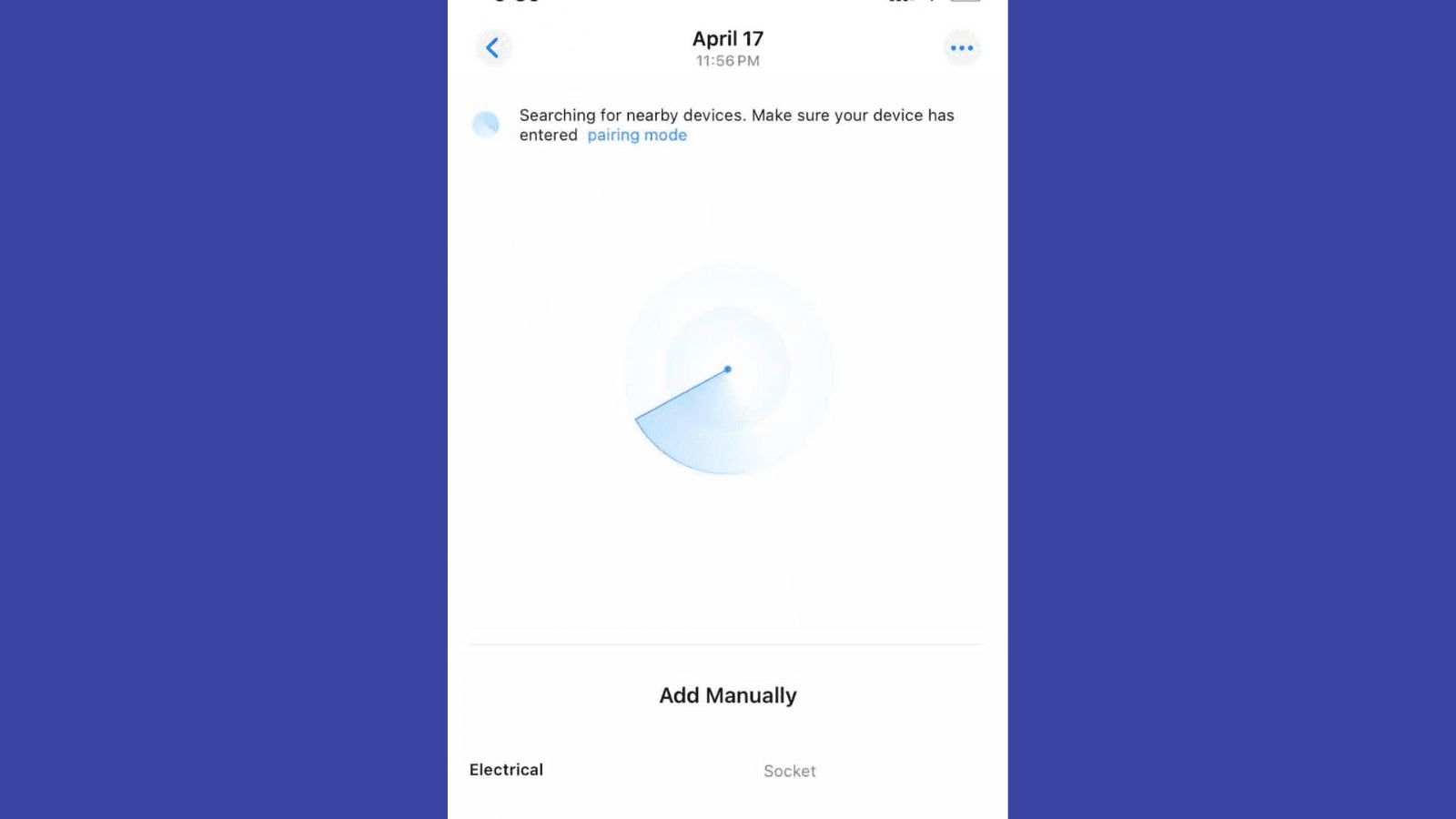
This video covers initial setup, Wi-Fi connection, charging initiation, and scheduling features.

Troubleshooting Guide

1

Cannot Find Device

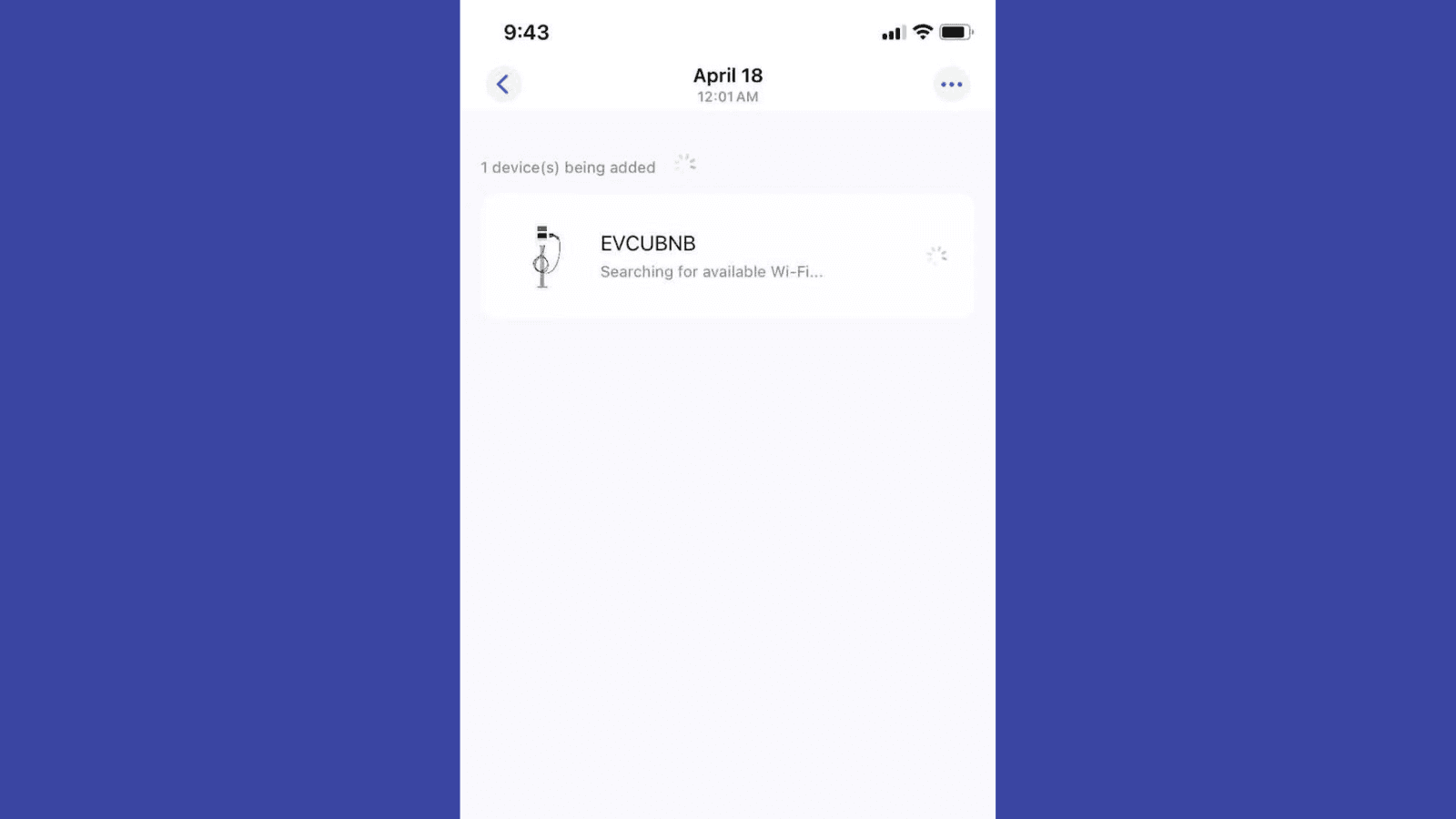
Screenshot: Device not found

Problem: The app cannot discover the EV charger.

Possible Causes:

  • Relevant permissions (Bluetooth, Local Network, Location, Home Data) not granted.
  • Too far from the device.
  • Device already bound by another user.

Solution Steps:

  1. 1.
    Ensure you are within 10 meters of the charger.
  2. 2.
    Open app/system settings and grant permissions:
    • Bluetooth
    • Local Network
    • Location
    • Home Data (if applicable)
  3. 3.
    To reset & re-bind: Place RFID Card on reader for 10s+ until light flashes yellow. Retry binding.
2

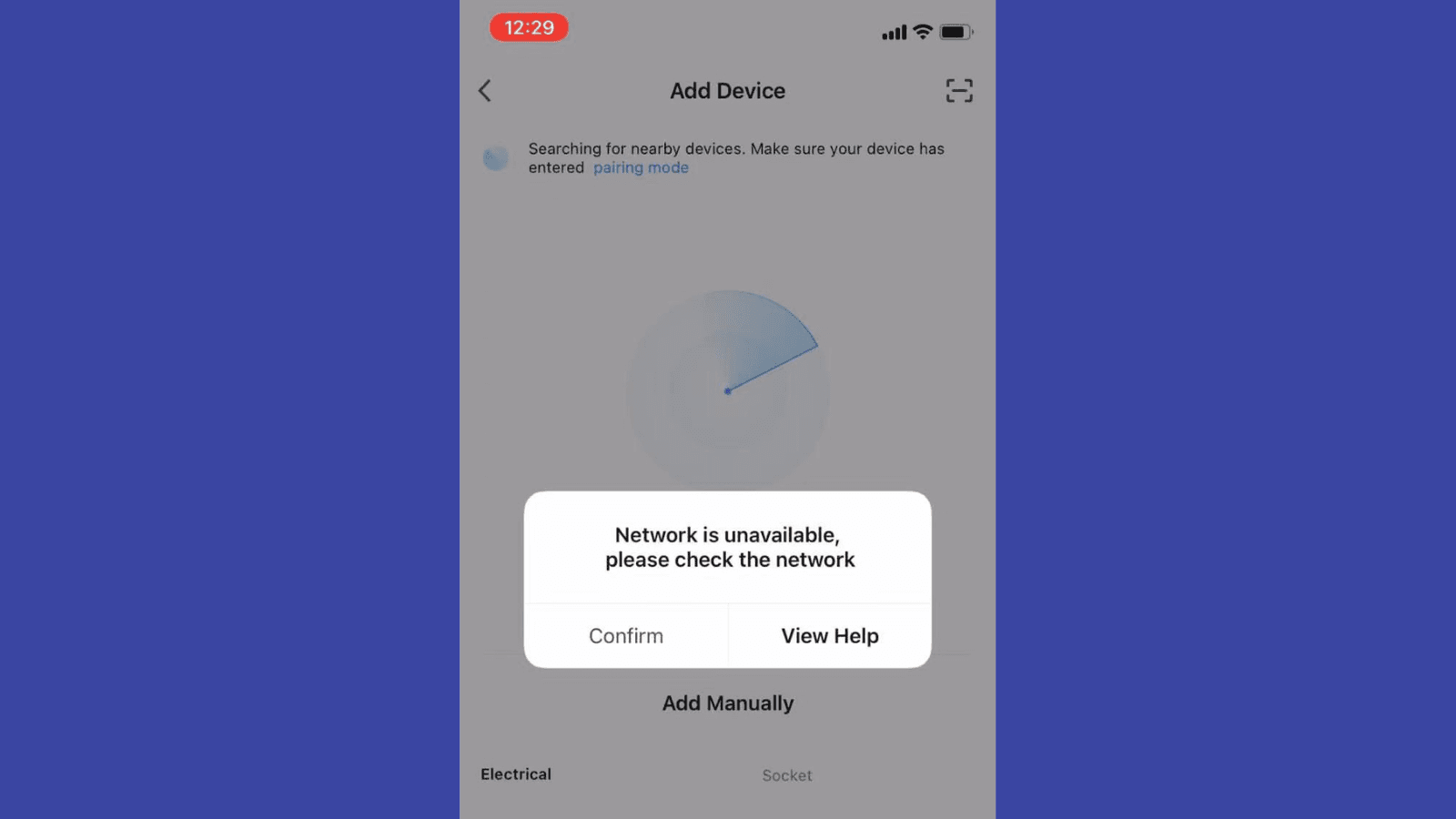
Cannot Find Wi-Fi

Screenshot: Wi-Fi not found

Problem: Charger discovered, but no Wi-Fi networks (or desired one) appear.

Possible Causes:

  • Router too far from charger (weak signal).
  • Router not broadcasting 2.4GHz Wi-Fi (5GHz only is incompatible).

Solution Steps:

  1. 1.
    Move router closer to charger (ideally <10m, minimal obstructions).
  2. 2.
    In router settings, ensure 2.4GHz band is enabled & broadcasting. Consider a distinct SSID for it.
3

No 2.4GHz Wi-Fi?

Screenshot: Mobile Hotspot Setup

Problem: No 2.4GHz Wi-Fi from router, or signal is too weak.

Temporary Solution:
  1. 1.
    Enable mobile hotspot on phone, set to 2.4GHz band (check compatibility mode).
  2. 2.
    Connect charger to this hotspot via the app.
Important: Local control only. Remote features unavailable. Best for temporary use.
4

Accessing Interface Fails

Screenshot: Interface Loading Error

Problem: Unable to enter charger’s operation screen after initial connection.

Cause: Phone’s internet too slow during first connection, causing timeout while downloading interface data.

Solution Steps:

  1. 1.
    Move to area with stronger phone internet (Wi-Fi/cellular).
  2. 2.
    Close and reopen app, then retry accessing interface.
  3. 3.
    Once data downloads, subsequent access is fast (no re-download needed unless app data cleared).

Connectivity Essentials

Bluetooth LE

For initial discovery & setup

2.4GHz Wi-Fi

For remote control & updates

App Permissions

Location, Network, Bluetooth etc.

evcubnb level 2ev charer,tesla charger,home charger,50a charger,nema 14-50charger

Any Charging Problem?
Let Us Know 24/7

  • 13850 CENTRAL AVE, CHINO CA
  • help@evcube.net
©2022 EVCUBE - All rights reserved